
Sanitized recreation
CRM and Sales-to-Operations Handoff
From “deal won” to a job production can start.
Service 04 · QuickBooks, CRM, project and field tools
Most businesses do not need more software. They need the tools they already pay for set up around how the work really moves, connected to each other, and used the same way by everyone. I set them up, clean them up and connect them, then make sure your team can run them.
Fixed-scope project. You get one price in a written proposal after the call.
Sound familiar?
Contractors and growing service businesses.
What you walk away with
How the project runs
Ongoing support is available after a project if you want it.
I work in the tools you already have where they can support the process. These are tools I have worked in; it is not a list of partnerships, and I do not resell software.
Where my work stops. I work on the operations side of QuickBooks Online. I am not a CPA or accountant and do not do tax work or financial statements. Ongoing bookkeeping support is a separate path (Bookkeeping and Back-Office Support). Changes to your chart of accounts or tax settings are confirmed with your bookkeeper or CPA.
Portfolio
Sanitized sample projects. Fictional companies, illustrative data.
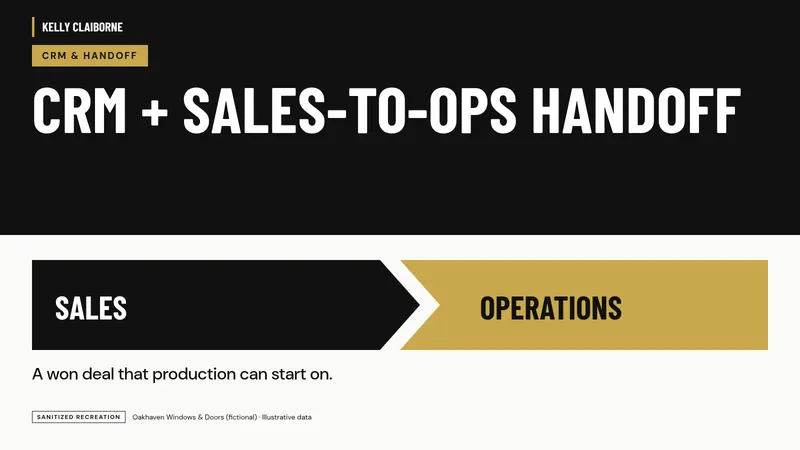
From “deal won” to a job production can start.
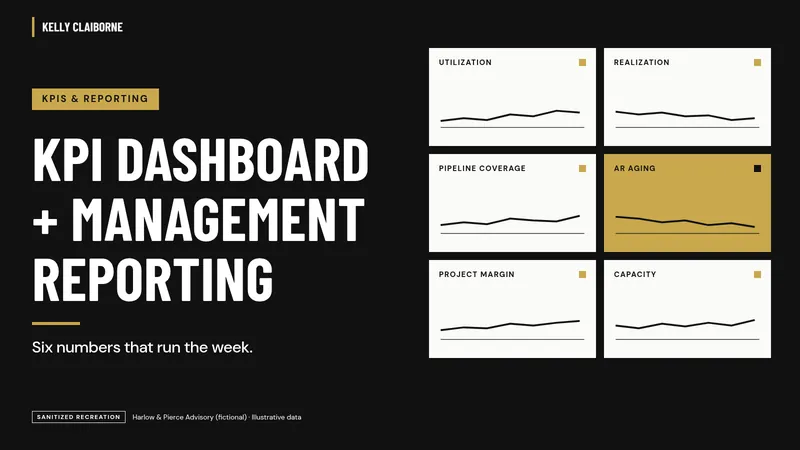
One page leadership trusts on Monday morning.
What to fix first, in what order, and who owns it.
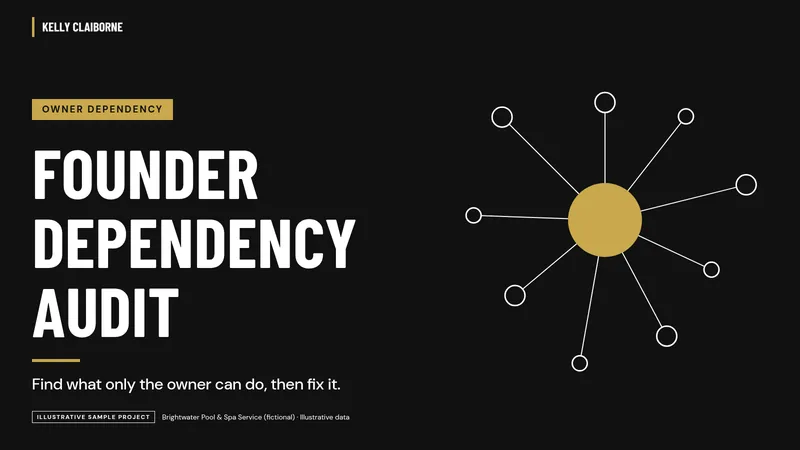
Decision rights, delegation and backups so the owner can step away.
A playbook people use, not a folder of documents.
15-Minute Systems Fit Call
You do not need to know which service you need. Bring the problem. On a free 15-minute call:
Free · 15 minutes · No pitch deck
It is a conversation about fit, not a sales script and not free consulting. If I am not the right person, I will say so.
Book a 15-Minute Systems Fit Call
Contractor with a job costing question? Try the free Job Cost Readiness Scorecard first.
Operator Notes
Usually not. Most of this work is setting up and connecting the tools you already pay for. When a tool truly does not fit, I help define the requirements and compare options against them. I do not resell software.
I clean up and set up the operations side: how jobs, customers, items, classes or projects and field information flow into QuickBooks Online. Accounting corrections, reconciliations and tax decisions stay with your bookkeeper or CPA, and I coordinate with them.
Often, yes, using the integrations the tools support. We decide what should connect during the design step, test it on real work, and document what lives where.
That is the point of the stabilize step: SOPs, short training and a follow-up check. Ongoing support is available after a project if you want it.
A note on advice
Kelly is not an accountant, CPA or lawyer. What she provides is operational guidance and implementation based on her personal experience running businesses and operations departments, not accounting, tax, legal or financial advice. For those, please talk with your own CPA, attorney or financial professional.